The more you ride, the better you know your parts. Bicura estimates the health of your bicycle parts automatically and shows when to replace them. It works with road, gravel, hybrid, mountain and city bikes.
All your data stays on your device and is never sent to a server. Requires an iPhone with iOS 18 or later.
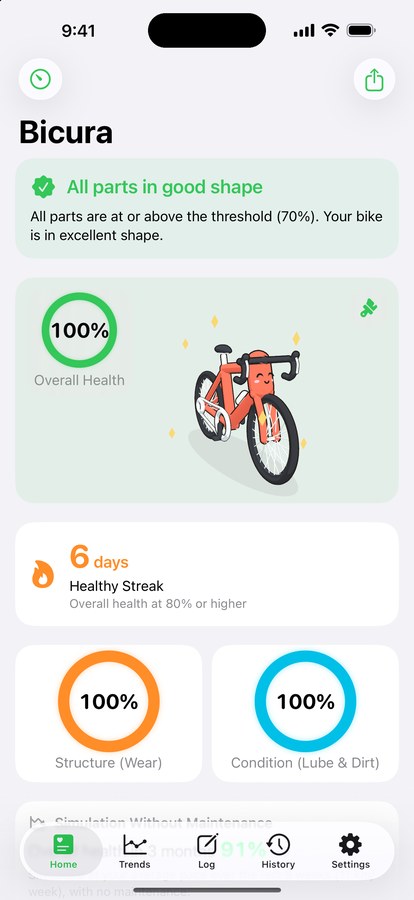
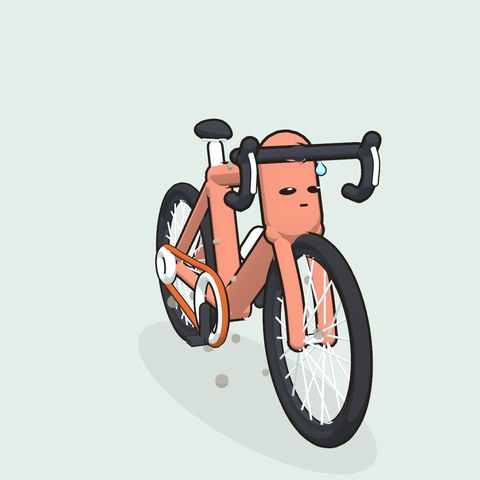
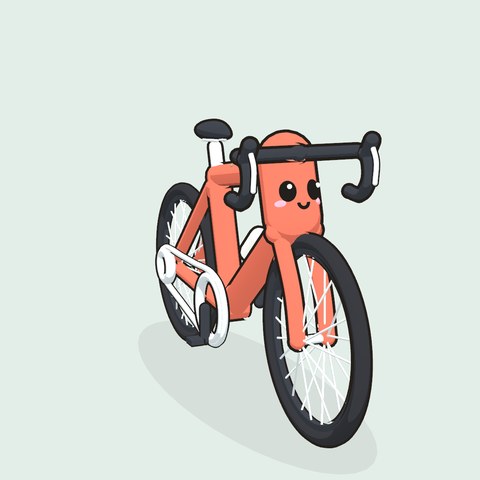
Meet your bike's little stand-in on the Home screen. Its face, chain rust and dirt change with its health, and logging a wash or lube perks it back up. No extra input needed.


The avatar follows your bike type setting. Choose from 8 frame colors.


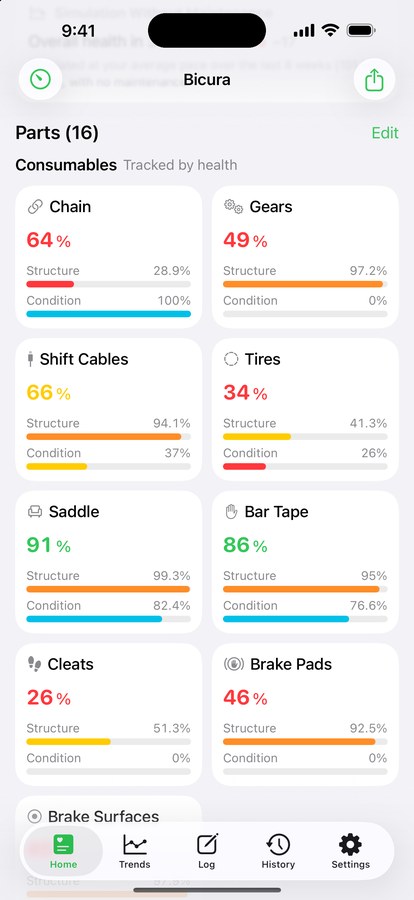
Bicura tracks up to 16 parts, including the chain, tires and brake pads, on two measures: Structure (wear) and Condition (lube and dirt). You'll see in numbers how much life is left. Already riding your bike? Just answer how far you've ridden and what care you've done recently, and start from where it is today.
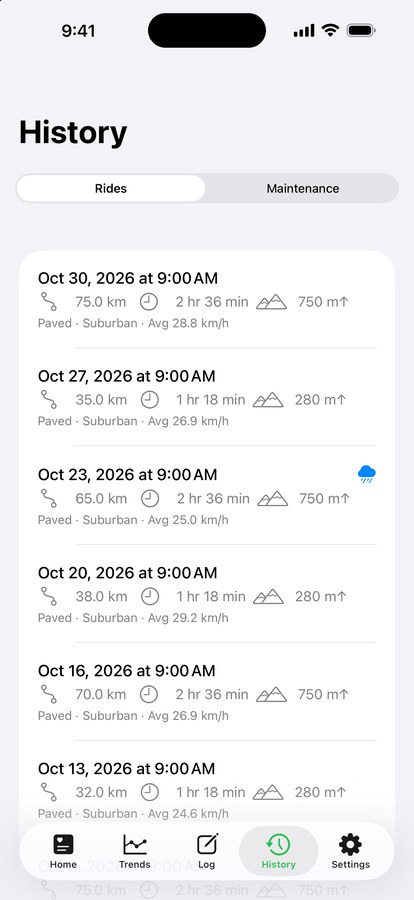
Keep logging rides and maintenance, and wear on each part updates automatically. Common jobs like chain care and washing take one tap to log, and your past rides are easy to look back on.
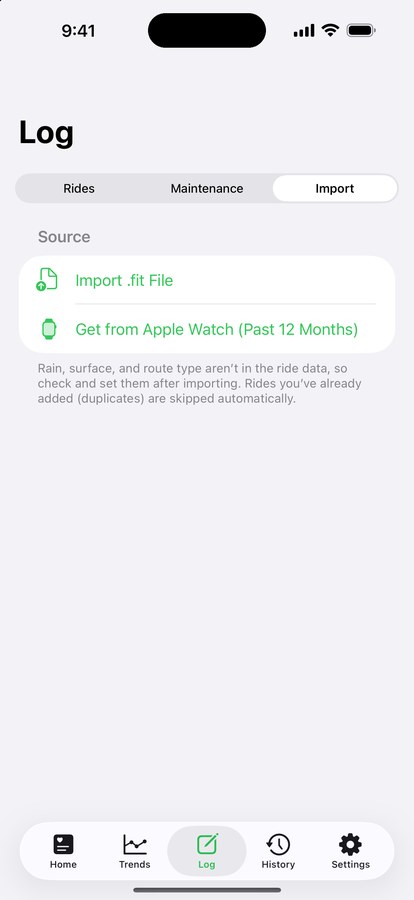
Bicura reads cycling workouts saved in Apple Health and adds them to your ride log. It imports .fit files too.
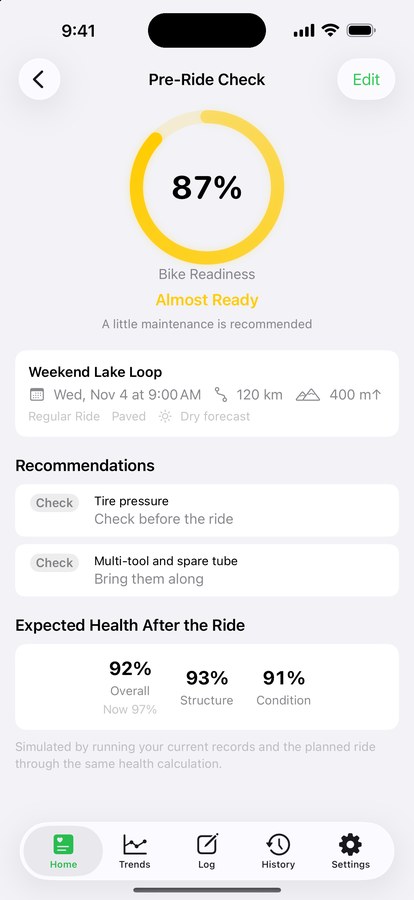
Get a score and recommendations on whether your bike is ready for a planned ride. See what's ahead with Wear Simulation, Replacement Forecast, Health Report and Annual Maintenance Plan.
Bicura is local-first, with no external servers.
Ride logs, maintenance records and photos never leave your device.
Bicura uses no analytics or advertising SDKs.
Deleting the app deletes all its data from your device.
The basics are free. Two optional plans are there if you want to look back over your records or plan ahead for maintenance.
The essentials to get started.
One-time purchase. Make your records your own.
Buy once, no further charges
Subscription. See what's ahead for your bike.
Monthly or yearly plans
Prices and purchases are as shown on the App Store. Bicura Readiness is an auto-renewing subscription that you can manage or cancel at any time in your App Store account settings. Any free trial and its length are shown on the purchase screen.
Maintenance tips and updates are on X, and behind-the-scenes notes are on Note. Both are in Japanese.